

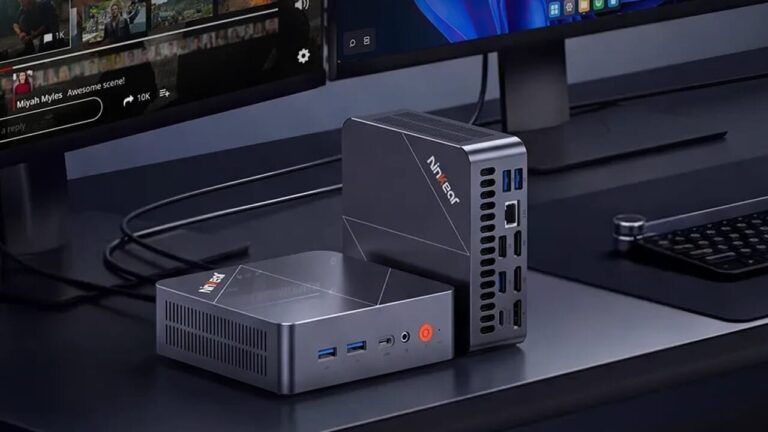
The object of our test today is the Ninkear L20 mini PC. It is a versatile and complete desktop PC with very small dimensions and with Windows 11 Pro on board. PC that can also be installed on the back of the monitor, with good power and numerous connections.
Let’s therefore analyze all the features of the Ninkear L20 in detail.
Design, connections and technical characteristics
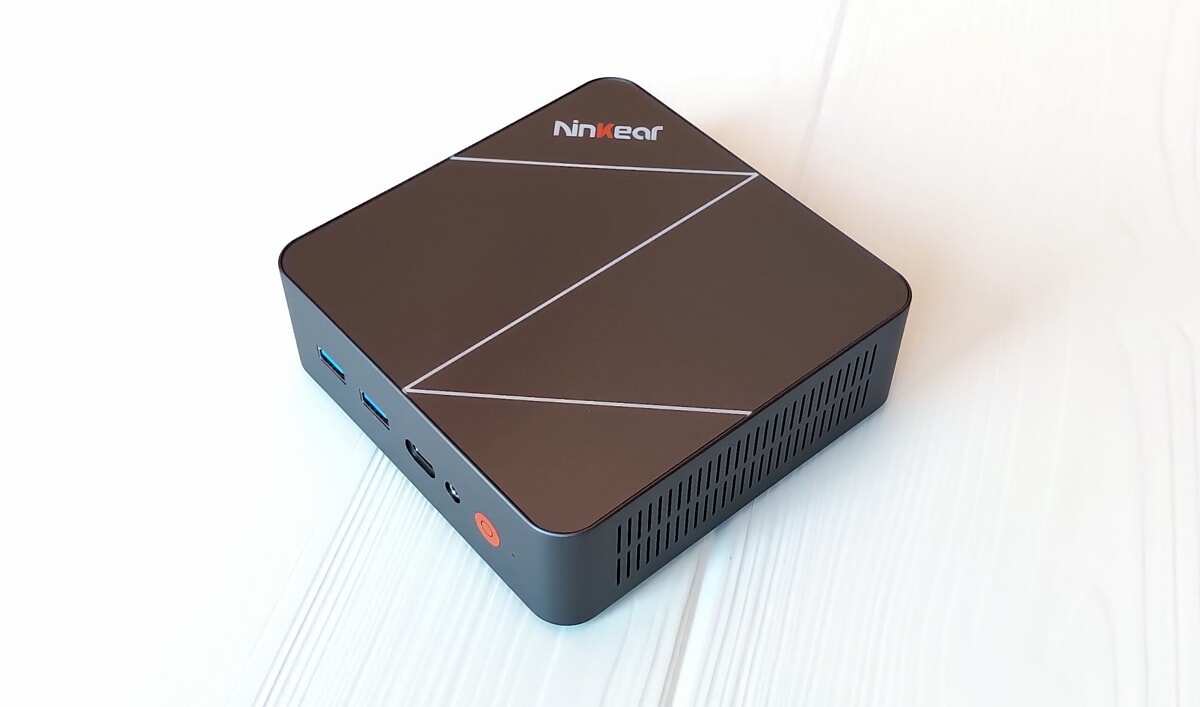
The Ninkear mini PC boasts an elegant and compact design, with good build quality. Let’s start with the plastic case, with a glossy upper side, with very small dimensions of 129 x 129 x 43mm and a weight of 625g. PC can be installed on the back of the monitor using a bracket supplied. Package that also includes an HDMI cable and USB-C external power supply (100W). We also remember the ventilation grills on the sides and rear.
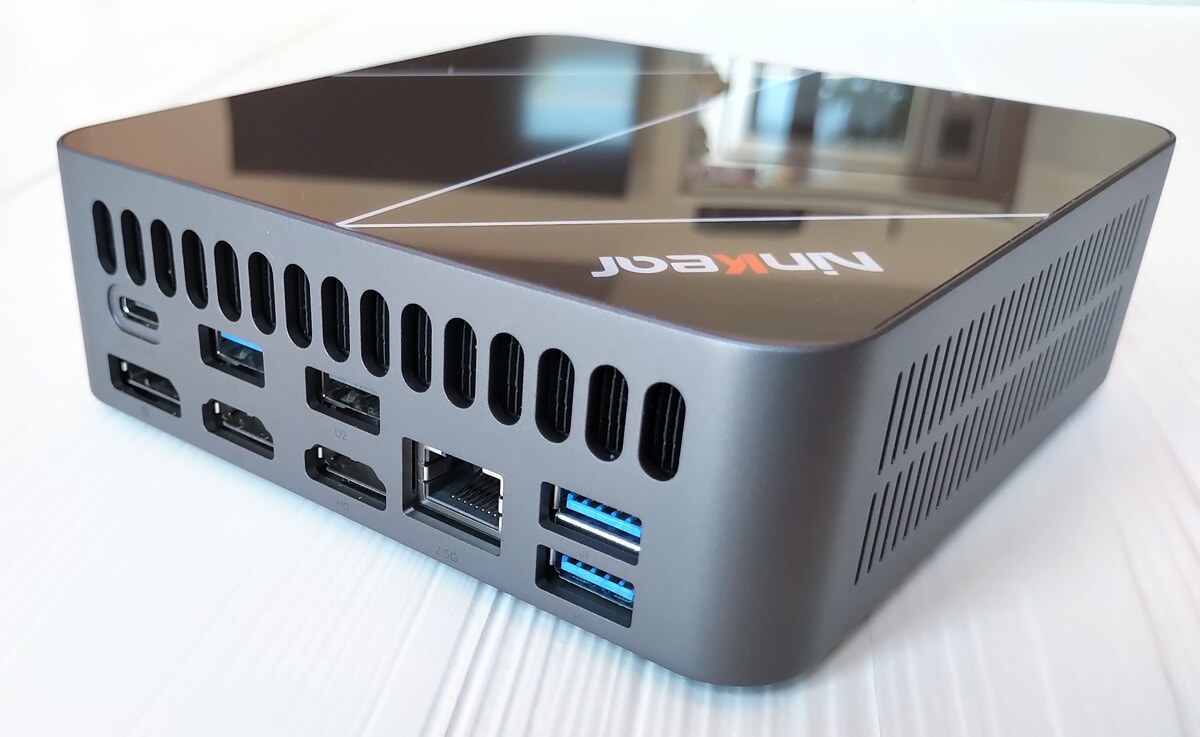
Numerous ports are available with the front side hosting two USB-A 3.2 Gen 1 (5Gbps) ports, one USB-C 4.0 and an audio jack in/out socket. Also here are the power button and the bios reset command. We continue with the back where we find two USB-A 3.2 Gen 1 (5Gbps), one USB-A 3.2 Gen 2 (10Gbps), one HDMI 2.1 (4K@120Hz/8K@60Hz), one HDMI 1.4 (4K@30Hz), one DP 1.4, one USB-C (for the power supply) and one USB-A 2.0. Finally, we mention the wireless connectivity with WiFi 6 ax and Bluetooth 5.3
Let’s now deal with the technical characteristics starting from the Intel Core Ultra 5 226V processor (8 Core, 8 Thread, frequency up to 4.5GHz, 8MB cache, Tdp 17W). Let’s continue with the integrated GPU: Intel Arc Graphics 130V with a maximum clock frequency of 1.85 GHz. Let’s move on to the 16 GB LpDdr5X RAM soldered directly onto the processor chip, next to the calculation cores. Very high speed Ram (8,533 MT/s), but unfortunately not expandable. Let’s not forget the 500 GB or 1 TB SSD, equipped with an M.2 2280 PCIe 3.0 interface. A second M2 2280 slot is also available for storage expansion.
Software, performance and price
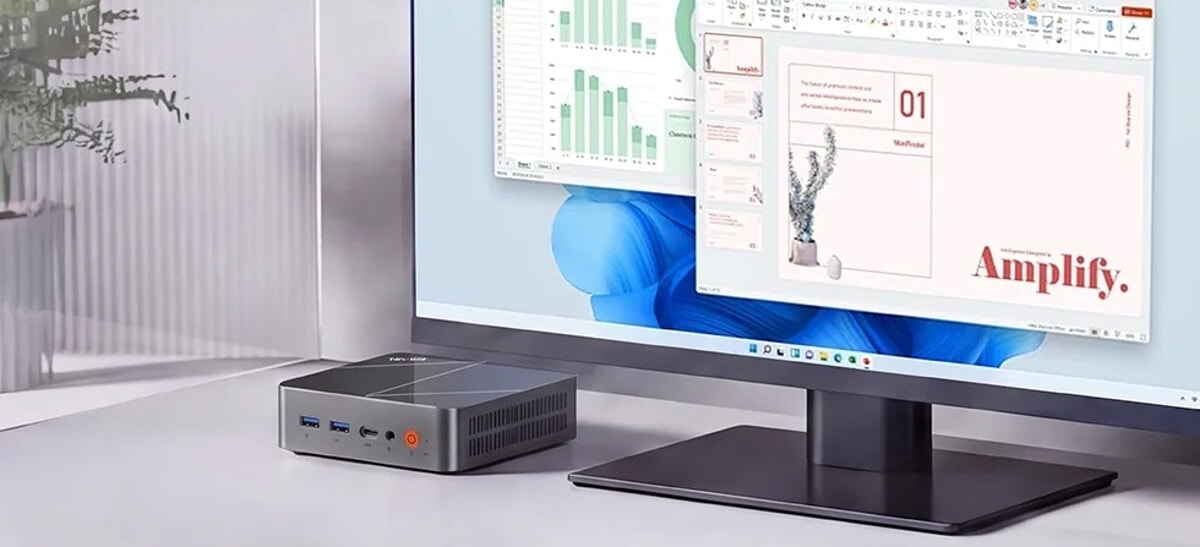
The PC arrives with the Windows 11 Pro operating system fully configured and ready to use.
Let’s now turn to performance analysis. PC suitable for Office programs, web browsing, viewing 4K content and also suitable for very light photo and video editing. Furthermore, it can also be used with not very recent video games, with Full HD resolution and medium or low detail, such as Gta V and Fortnite. Mini PC which recorded, in the Geekbench benchmark, a score of 2,329 points in single core and 10,437 in multi-core. The GPU, however, reached a score of 25,937 points.
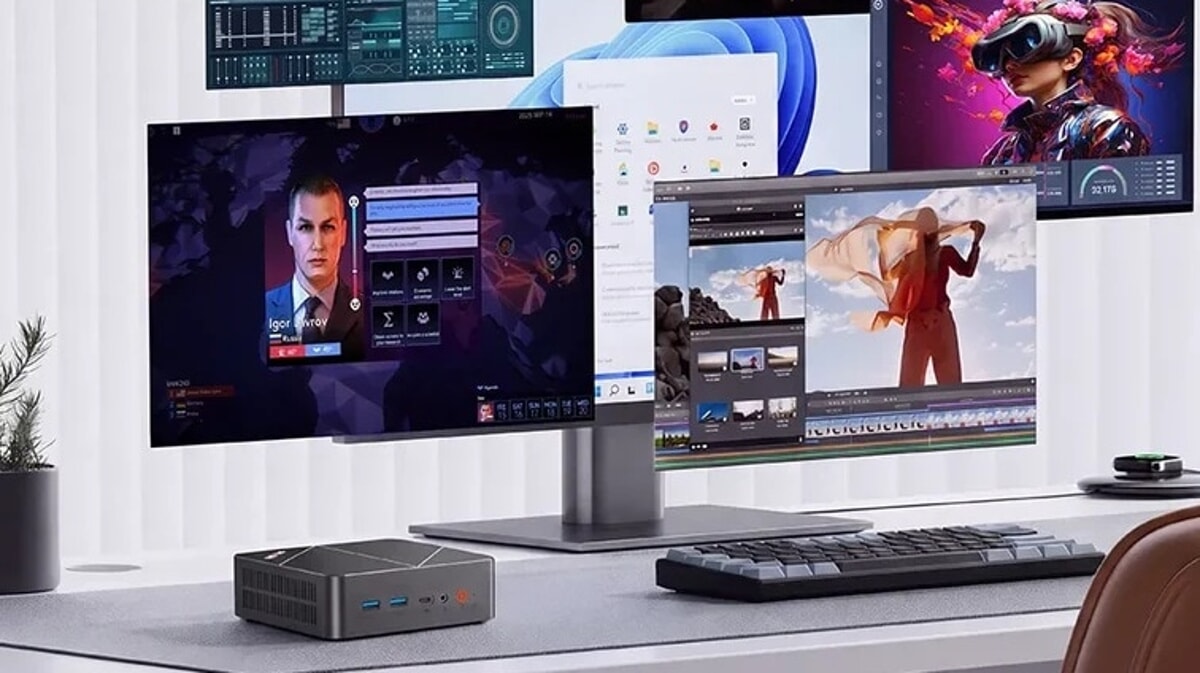
Artificial intelligence is one of the main selling points of the Ninkear L20. The Core Ultra 5 226V includes Intel AI Boost, a dedicated NPU designed to locally accelerate compatible AI workloads. According to Ninkear, the platform can offer up to 97 Tops of AI performance, with Copilot+ PC certification.
Too bad for the SSD with only sufficient performance: up to 1,775 MB/s reading and 1,732 MB/s writing.
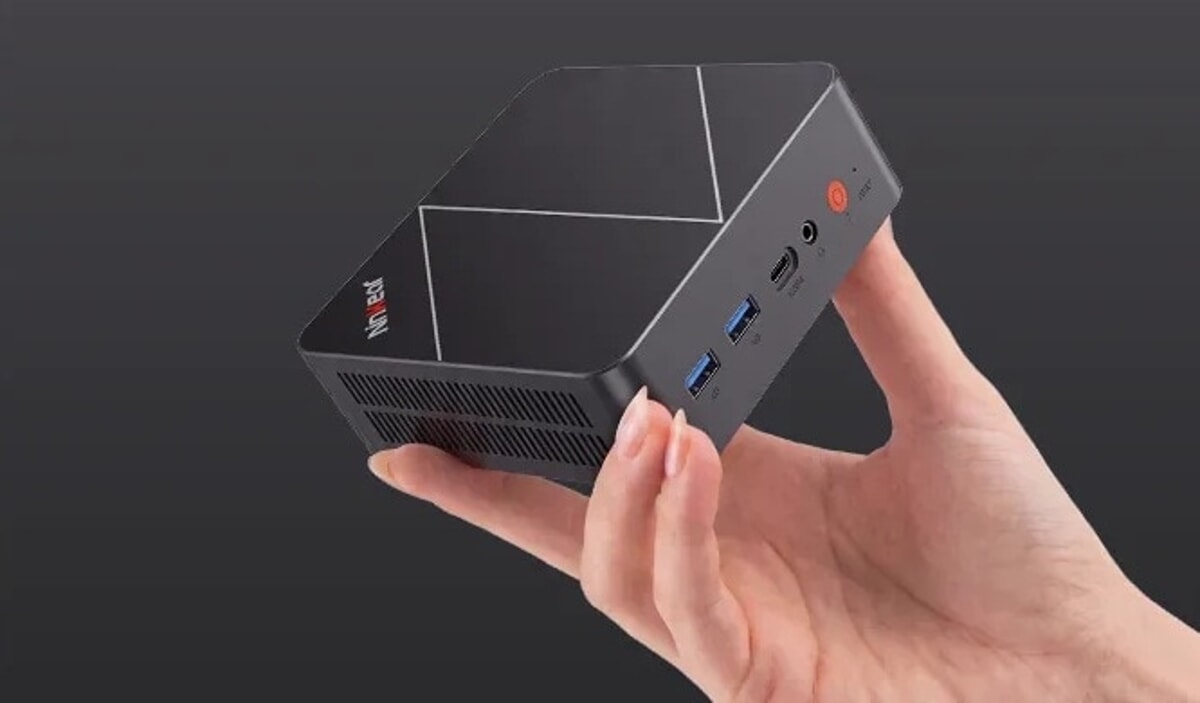
Positive opinion on the numerous connections available: we remember, in particular, the possibility of connecting the PC to 3 monitors simultaneously. Similar assessment on the cooling system, clearly audible only when pushing the PC to maximum performance.
Finally, the price of the Ninkear L20: the version with 512 GB SSD (under test) is can be purchased on the company website at 699 euros. The 1 TB model is offered at 799 euros.
Scuf Nemesis Pro 8K Pc: two new high-performance controllers