

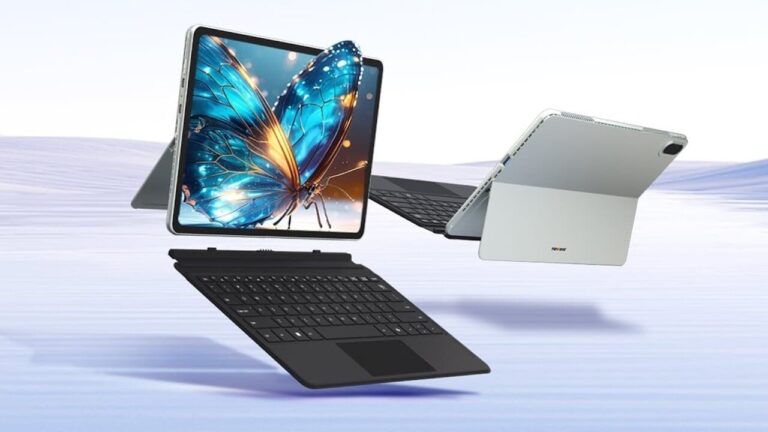
The object of our test today is the new Ninkear S13: a complete tablet – notebook with thin removable keyboard, 13-inch touchscreen and Windows 11 Pro operating system.
A thin and light product, easy to carry in a bag or backpack, with the Intel Core Ultra 5 115U processor, 16 GB of RAM and a 1 TB SSD on board.
Let us therefore analyze in detail all the features and performances of the Ninkear S13.
Design, connections and packaging
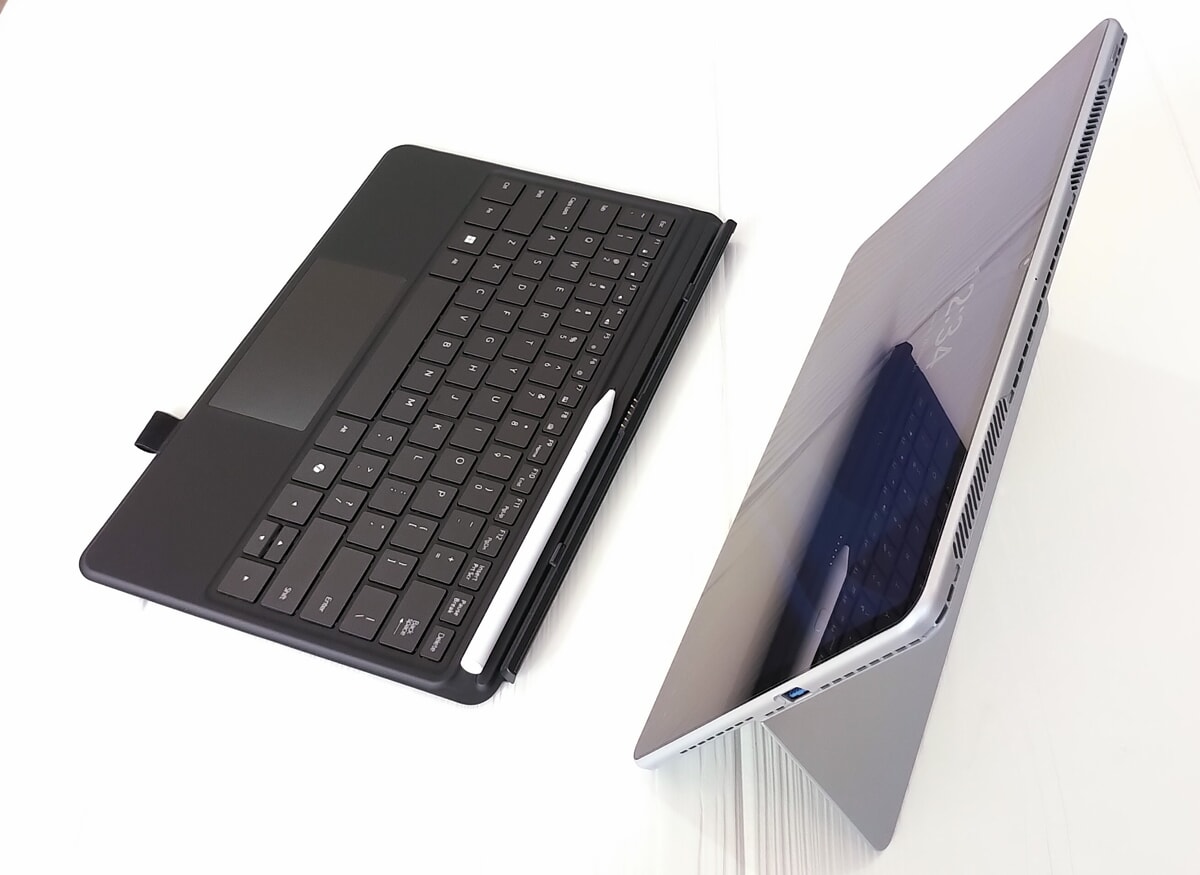
The Ninkear S13 presents itself with an elegant and refined design, but without particular stylistic innovations. Let’s start with the sturdy magnesium and aluminum body with large side air vents and in the upper area. At the rear we find the module dedicated to the camera which protrudes slightly from the body, and a foldable plastic stand which allows the tablet-notebook to be tilted up to 155° when positioned on a table or desk.
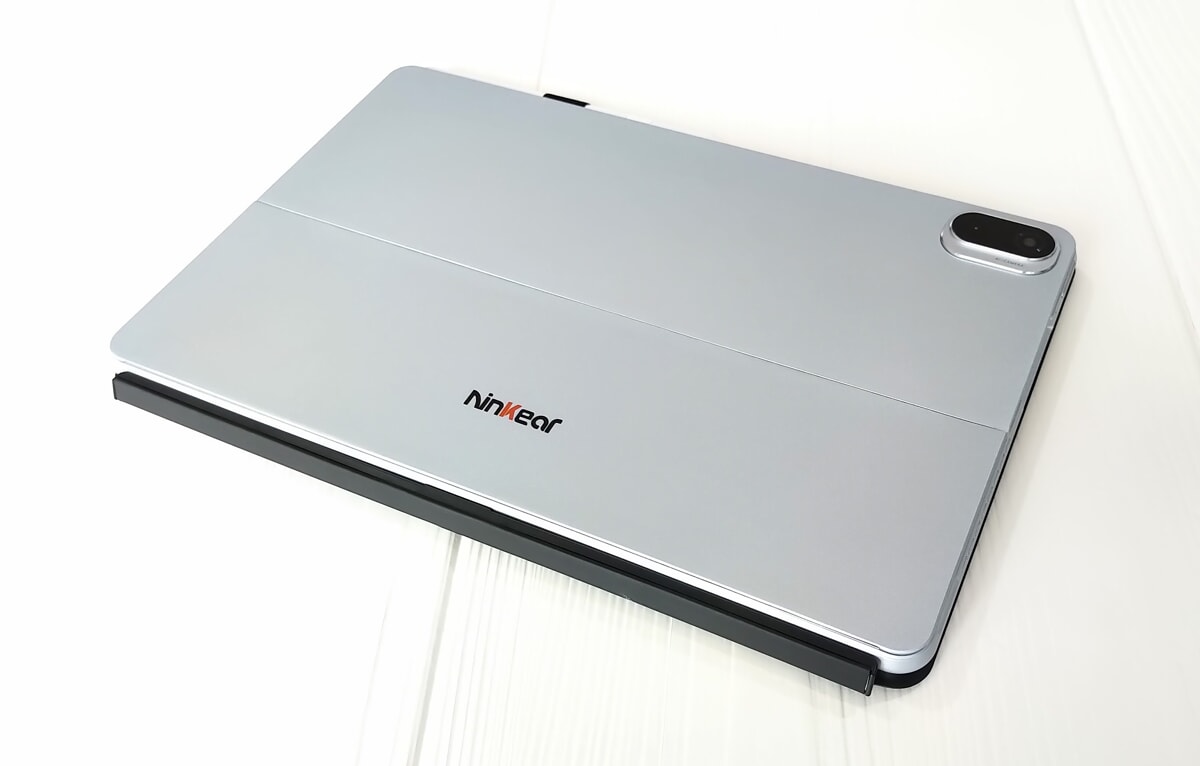
Let’s continue with the rounded edges. On the left side (with the S13 in horizontal position) we find the volume rocker and two USB-C 3.2 Gen1 with full functionality (charging, data and video output). The upper side houses the power button. On the right there is a USB-A 3.2 Gen1. HDMI and headphone output are absent. Let’s not forget the side stereo speakers.
Let’s move on to the 13″ 16:10 touch screen, glossy, with pre-applied protective film and not particularly thick edges.
Finally, the complete package which includes keyboard and stylus which we will deal with later, manual also in Italian, 65W power supply with relative USB-C cable.
Keyboard and stylus
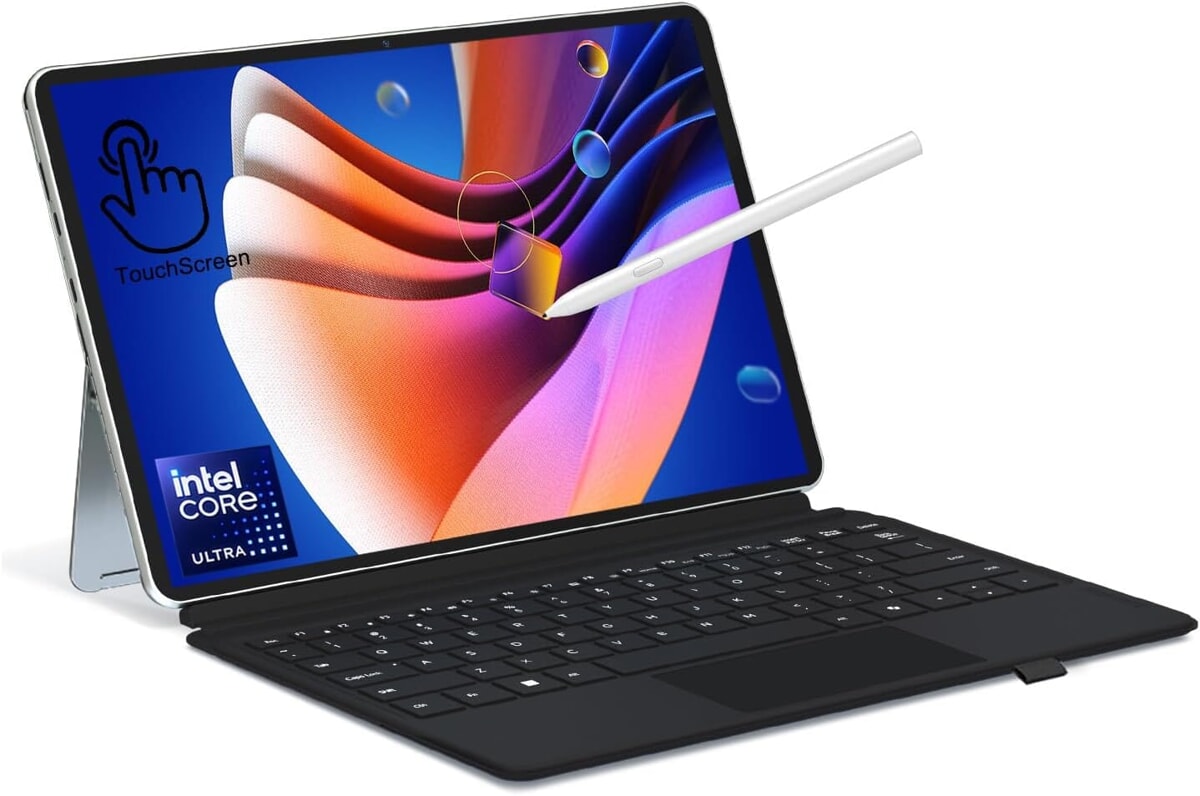
The S13 is accompanied by a backlit keyboard, with a US-international layout (Ninkear provides useful stickers in the package to update it to the Italian language). Plastic accessory, capable of protecting the tablet screen when not in use and which attaches to the underside of the S13 via magnetic elements. We also remember the useful inclination towards the user when it is open and the small integrated touchpad, with metal covering.
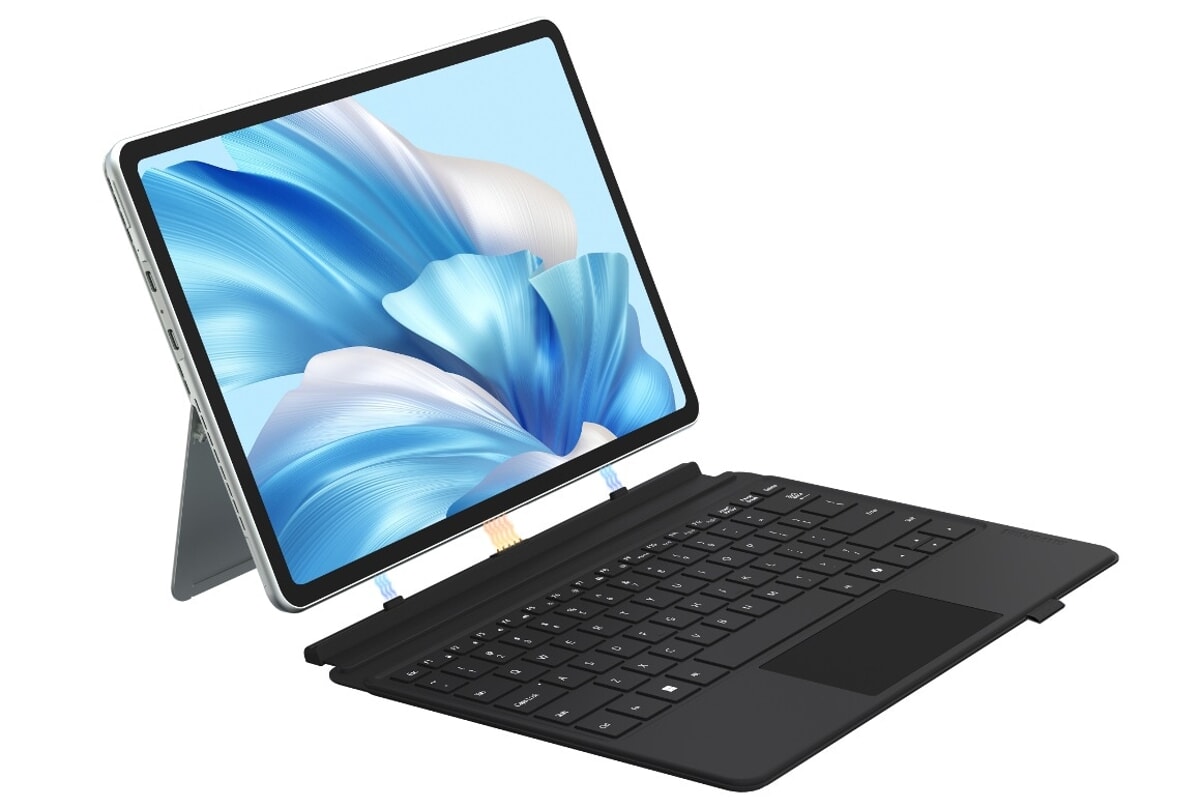
Keyboard equipped with physical keys of standard size and decent travel. Too bad the “Up” and “Down” arrows are small. It also houses the user-programmable Copilot button and numerous controls for quick access to various functions such as volume management, screen brightness and more.
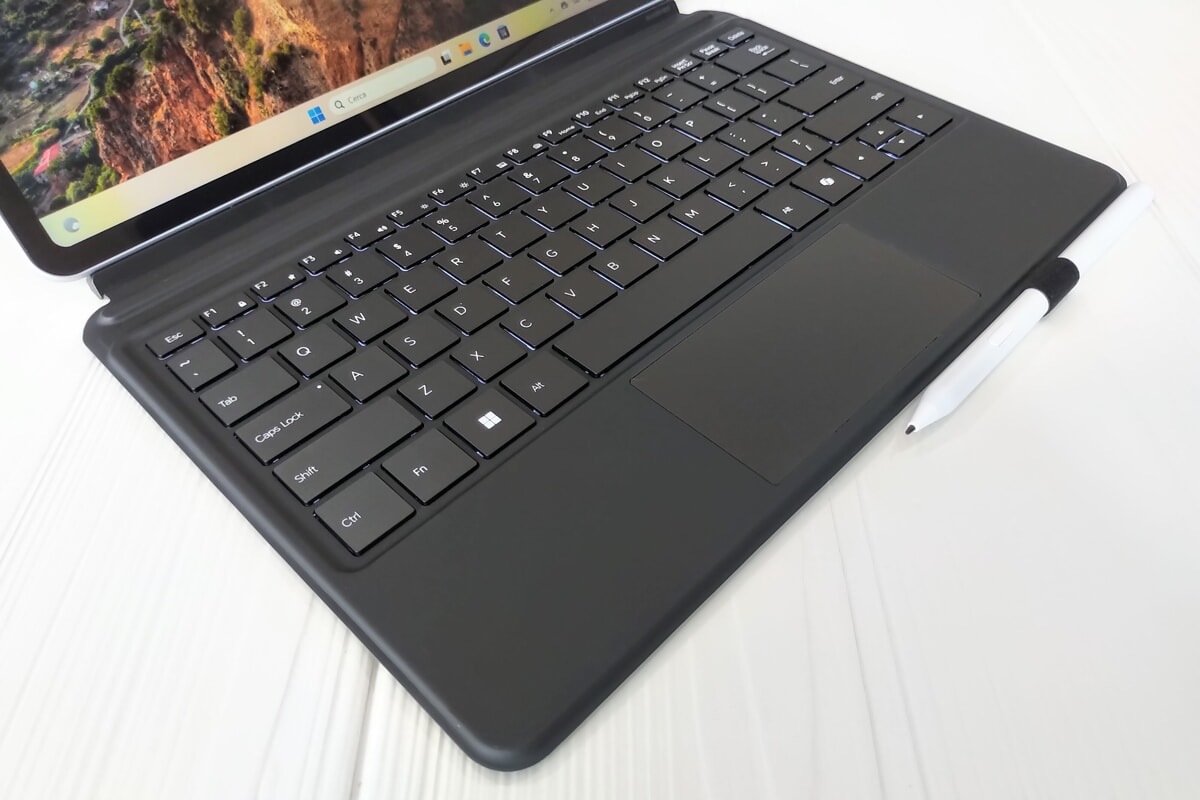
Also included is an active stylus, in white plastic, with 4,096 pressure levels, additional button and rechargeable battery via the integrated USB-C port. Nib that can be fixed to the keyboard via a small elastic band.
Technical characteristics
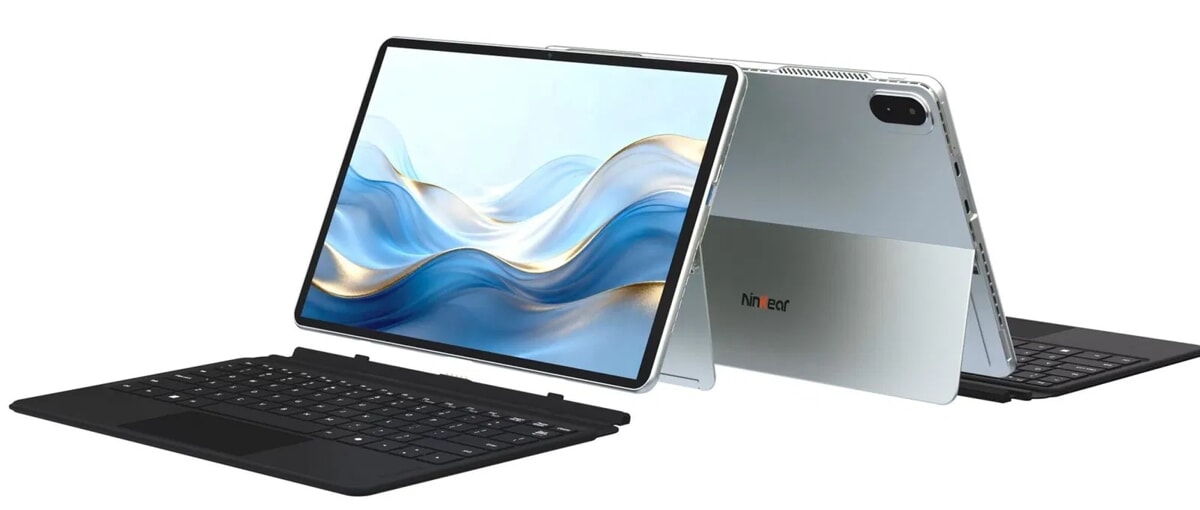
The heart of the Ninkear S13 is the Intel Core Ultra 5 115U processor with 2 Performance cores, 4 Efficient cores and 2 Low Power Efficient cores. The frequency reaches 4.2 GHz, with a TDP set at 15 Watts. We also remember the good memory allocation with 16 GB of non-expandable RAM, the 1 TB SSD and the large 13″ high resolution screen.
Below are all the complete specifications of the Ninkear S13:
- Screen: 13″, IPS, 2,560×1,600 (16:10), 60 Hz, 100% sRGB, 350 nits
- Processor: Intel Core Ultra 5 115U (8 cores / 10 threads, up to 4.2 GHz)
- Graphics Card: Integrated Intel Arc Graphics (4 cores, up to 1.8 GHz)
- Ram: 16GB LpDddr5
- Storage: 1TB PCIe NVMe
- Cameras: front 5 MP + rear 5 MP
- Connectivity: Wi-Fi 6 (802.11ax), Bluetooth 5.2, 2 Usb-C 3.2 Gen1, 1 Usb-A 3.2 Gen1
- Battery: 42Wh, PD charging 65W
- Audio: 2 x 2W stereo speakers, microphone
- Dimensions: 300.57 x 195.56 x 9.89 mm
- Weight: 850g (tablet only), 1,300g with keyboard
- Operating System: Windows 11 Pro
Software analysis
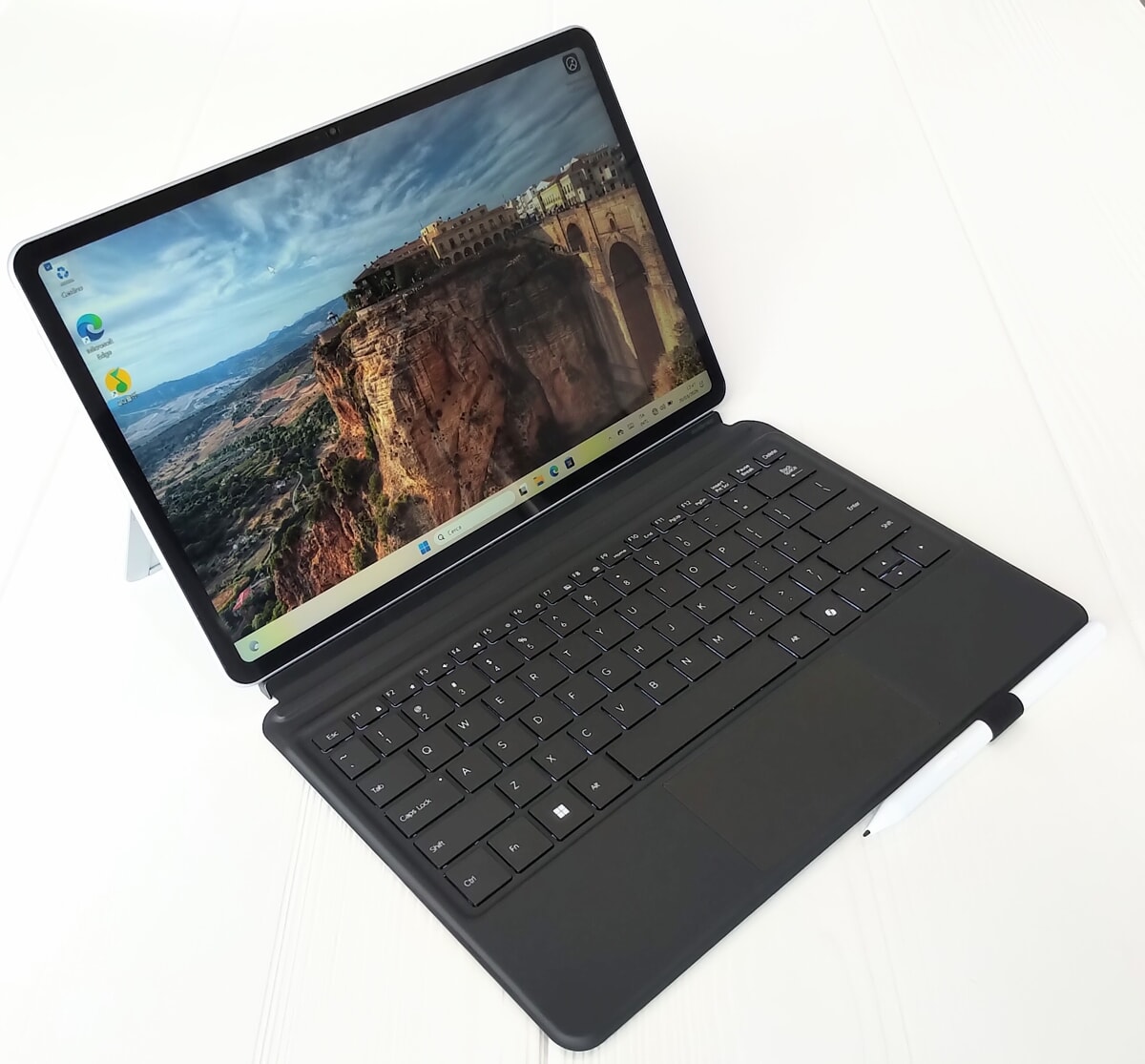
The Ninkear arrives with the Windows 11 Pro operating system pre-installed and ready to use, without any additional utilities, with the exception of two Tencent software in Chinese, which are removable by the user.
Performance and price

Let’s now move on to the performance analysis. Ninkear has created a complete and lightweight tablet – notebook designed for Office applications, Internet browsing, video streaming and also suitable for light photo and video editing. In these areas of use the performance is good, with a system that is always reactive. Let’s continue with the SSD with high capacity and decent speed (3,133 MB/s reading and 2,225 MB/s writing). No problems surfing the Internet and multitasking thanks to the 16 GB RAM. Finally, in the gaming sector, it is possible to use games that are not very demanding from a graphic point of view, such as Asphalt 9. A PC which recorded a score of 2,027 points in single core and 5,923 points in multi-core in the Geekbench benchmark.
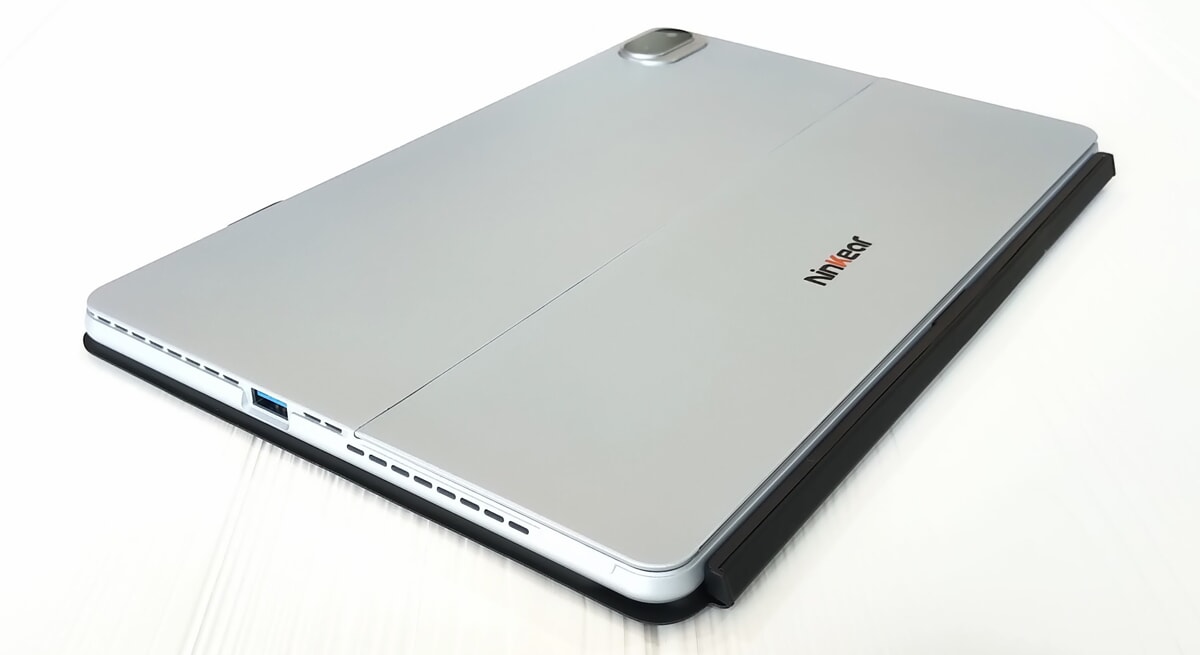
Notebook equipped with an efficient integrated cooling system, with a low-noise internal fan. Let’s move on to the screen, with natural colors and good definition, but only decent brightness.
Audio and camera performance is sufficient. Similar evaluation for the keyboard with a very economical construction, with a bend in the central part and with a weak backlight. The performance of the nib is also just sufficient, with basic functions and not suitable for professional use.
We conclude with the autonomy reaching approximately 6 hours, with active WiFi. Full charge in an hour and a half.
Finally the price, The Ninkear can be purchased on offer on the company website at 859 euros (list price of 1,099 euros).
New Tcl tablets: up to 12”, with paper and stylus effect